1. Data We Collect
MyChorito collects the following data to provide household collaboration features:
- User IDs: Account identifiers used to authenticate you and identify members within your household
- Names: Display names of household members that you provide
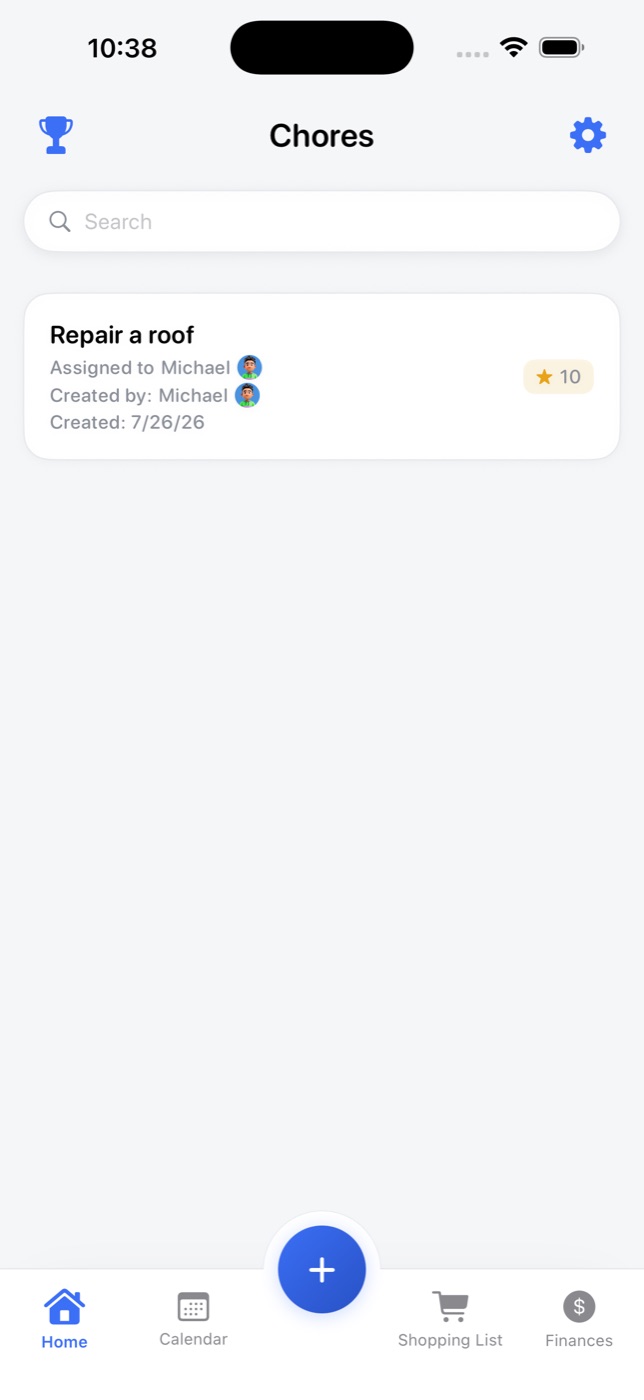
- Chores: Task information including names, assignees, points, due dates, and completion status
- Shopping Lists: Shopping lists and items you create
- Expenses: Financial data including budgets, expenses, and bills you track
- Household Data: Information about your household and its members
2. Why We Collect Data
We collect this data to provide the following services:
- Synchronization: To sync your data across devices for members of the same household
- Multi-User Sharing: To enable household members to collaborate on chores, shopping lists, and financial tracking
- App Functionality: To provide core features like task assignment, points, leaderboards, and household management
3. How We Use Your Data
Your data is used exclusively for:
- Cloud Sync: Data is synchronized through Firebase (Authentication, Firestore, and related Google Cloud services) so your household stays up to date
- Household Sharing: Data is shared only with members of your household who have been explicitly invited
- App Operation: Data is processed to power chores, shopping lists, finances, notifications, and gamification
4. Data Sharing
We do not sell your data. Your data is:
- Stored with Firebase: Household data is stored in Firebase/Google Cloud infrastructure used by MyChorito
- Shared Only Within Household: Data is accessible only to members of your household who have been invited and accepted the invitation
- No Advertising Resale: We do not sell, rent, or share your household content with advertisers
- Service Providers: Firebase and related Google services process data solely to operate the app (auth, sync, crash reporting, and push notifications)
5. Data Retention
Your data is retained until:
- Account Deletion: Data associated with your account is removed when you delete your account or request deletion
- Household Removal: When you leave a household, your personal membership data is removed from that household’s shared data
- Manual Deletion: You can delete individual items (chores, lists, expenses) at any time through the app
6. How to Delete Your Data
You can delete your data in the following ways:
- Delete Individual Items: Use the delete function within the app to remove specific chores, lists, or expenses
- Leave Household: Remove yourself from a household through the app settings
- Delete App: Uninstalling the app stops local use, but cloud data may remain until your account or household data is deleted
- Request Deletion: Contact us to request full deletion of your account and associated cloud data
7. Data Security
We take data security seriously:
- Encrypted Transit: Data is transmitted over encrypted connections
- Authenticated Access: Household data is protected behind authenticated accounts and household membership rules
- Provider Security: Security also relies on Firebase/Google Cloud industry-standard practices
8. Children's Privacy
MyChorito is designed for family use. If children use the app as part of a household:
- Data collection is limited to what is necessary for app functionality
- No personal information beyond display names is collected for members
- Parents or guardians control household membership and can remove children from households at any time
9. Changes to This Policy
We may update this Privacy Policy from time to time. We will notify you of any changes by:
- Posting the new Privacy Policy on this page
- Updating the "Last Updated" date at the bottom of this policy
You are advised to review this Privacy Policy periodically for any changes.
10. Contact Us
If you have any questions about this Privacy Policy, please contact us through the app.